Works on ChatGPT, Claude, Gemini & more
Stop retyping the same AI prompts. Your best ones keep getting lost anyway.
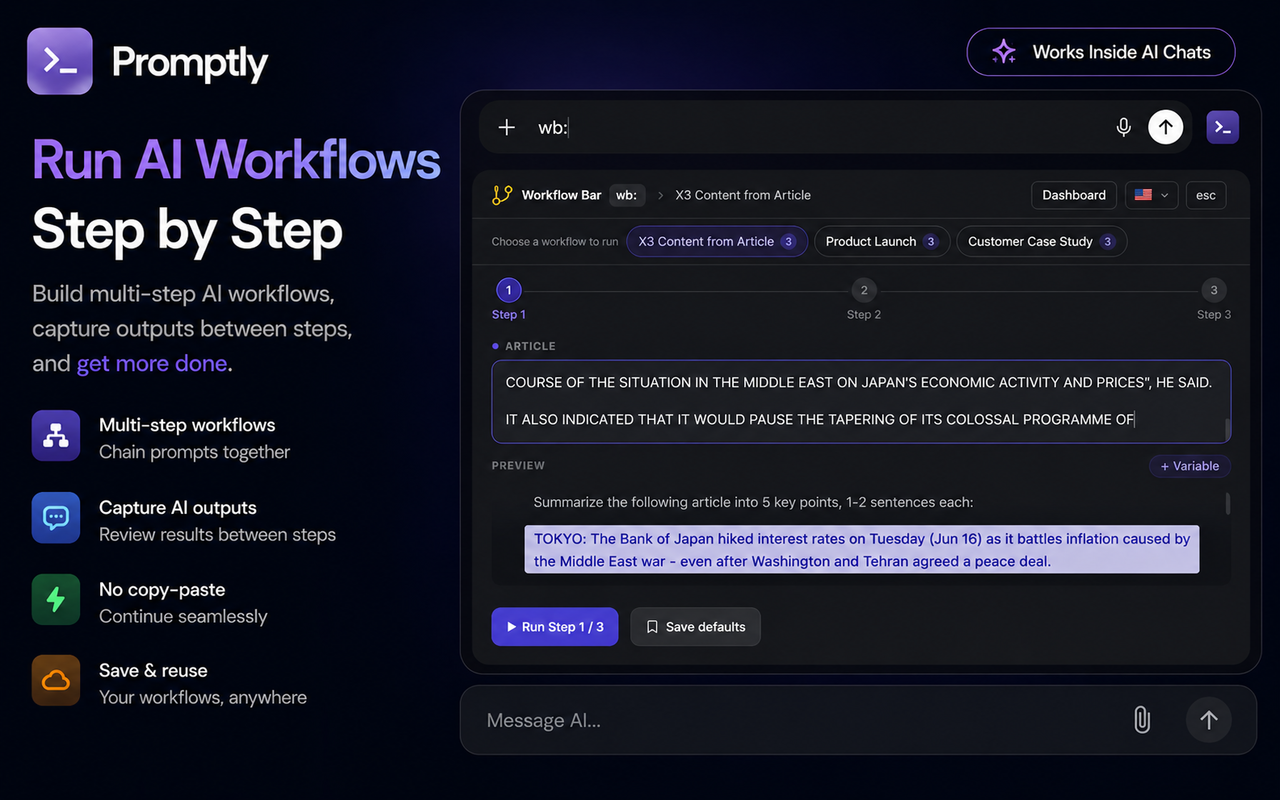
Promptly suggests your saved prompts as you type — right inside ChatGPT, Claude & Gemini. Fill variables, preview, insert. Done.
No account required · Free forever plan · 2 min setup
Features
Everything you need.
Nothing you don't.
Four core features that make Promptly unlike anything else out there.
Promptly Bar
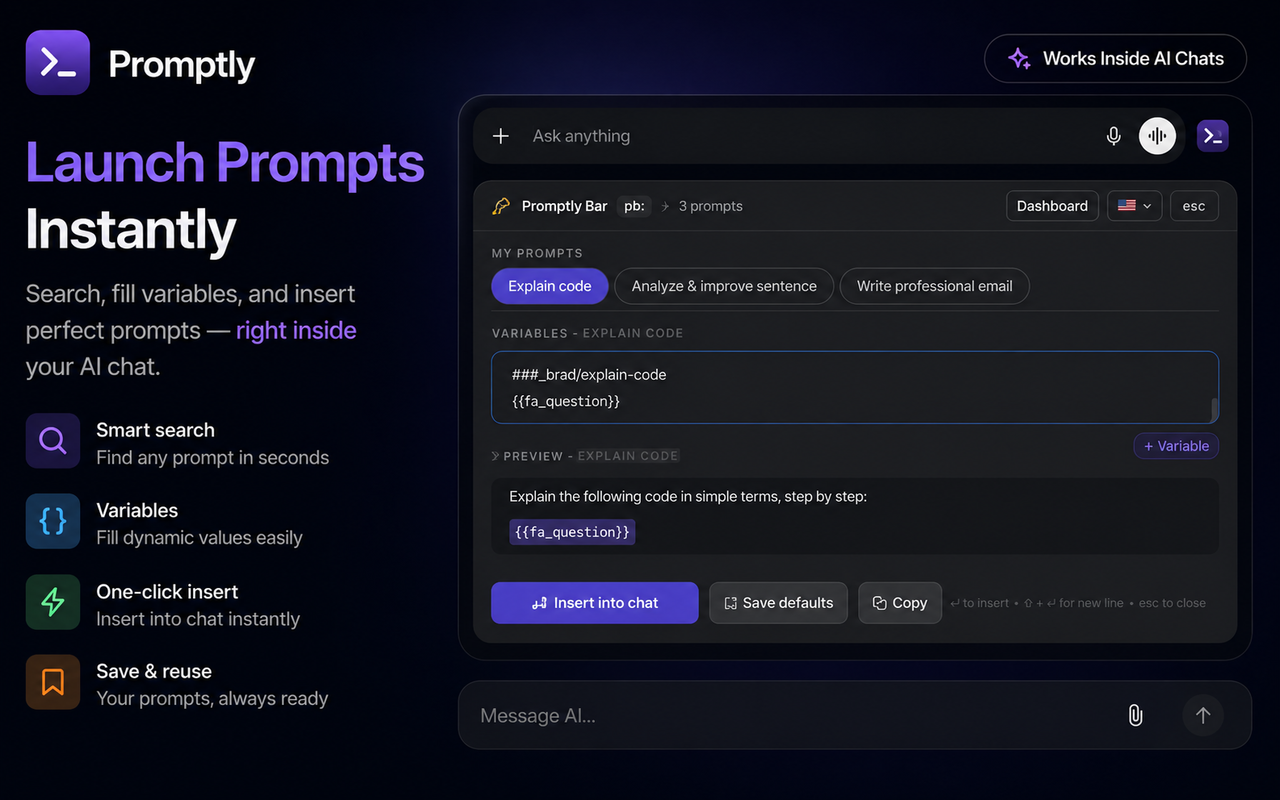
- Works on ChatGPT, Claude, Gemini, Grok, Copilot, DeepSeek & Perplexity — floats above the chat input, width-matched, zero layout shift
- Two triggers: type
ply:to search, or click the button next to the input for your 5 most-recent prompts — never auto-appears - Smart scoring ranks results by name → tags → content; navigate chips with ←→, tab between
{{variables}}, see a live full preview - Hit ↵ to insert, save variable defaults for next time, or copy — all without leaving the chat
Manual trigger, always on demand
Popup Launcher
- Click the Promptly icon in your Chrome toolbar from any page — no need to be on an AI tab first
- See your 8 most-recent prompts instantly; search by name, content or tag with full unicode support
- Click any prompt — it fires into the active AI tab and Promptly Bar opens with that prompt pre-selected
- Shows a hint if the active tab isn't a supported AI platform, so you always know what's happening
1-click from anywhere
Version History
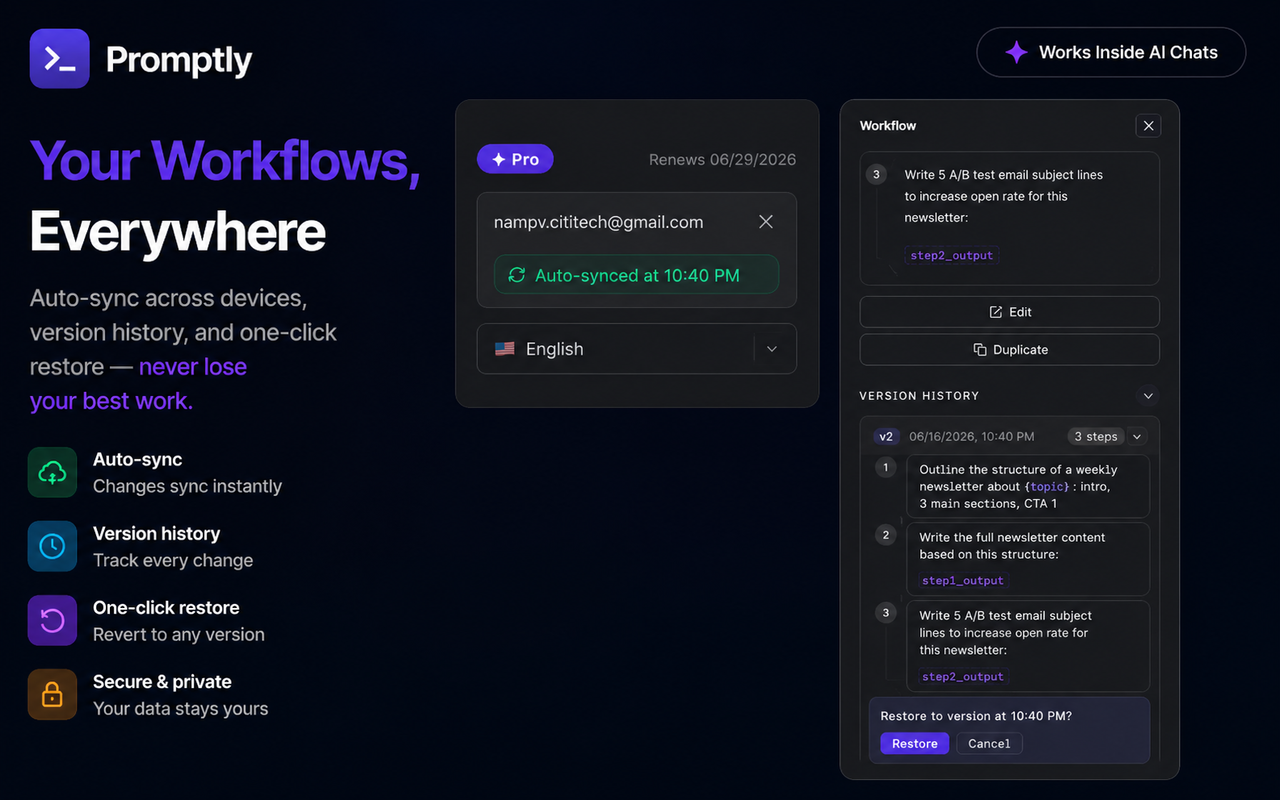
- Every time you save a prompt, Promptly auto-snapshots the previous version — nothing is ever permanently lost
- Browse the full timeline of edits with timestamps and a content preview for each version
- Restore any past version in one click — Promptly snapshots the current content first, so the restore itself is also undoable
Pro — auto-snapshot on every edit
Prompt Dashboard
- 2-column card grid with instant search, sort by usage · recency · name, and nested folders (
Writing/Blog/SEOwith Pro) - Cloud sync (Pro): prompts sync across all your devices in real-time — never lose your library when switching computers
- Version history (Pro): auto-snapshots every edit — browse all past versions and restore any of them in one click
- Bulk operations (Pro): select multiple prompts to tag, move to folder, export or delete in one action — plus import / export JSON
With analytics
How it works
4 steps. 15 seconds.
From the first keystroke to a sent message, Promptly takes just 10–15 seconds — faster than any other method.
1
Trigger Promptly Bar
Open ChatGPT, Claude, or Gemini. Type ply: in the chat input — or click the button next to it — to open your prompt library instantly.
2
Pick a prompt
Type a keyword after ply: to filter by context, or browse your recently used prompts. Prompts are ranked by relevance — best match first.
3
Fill variables
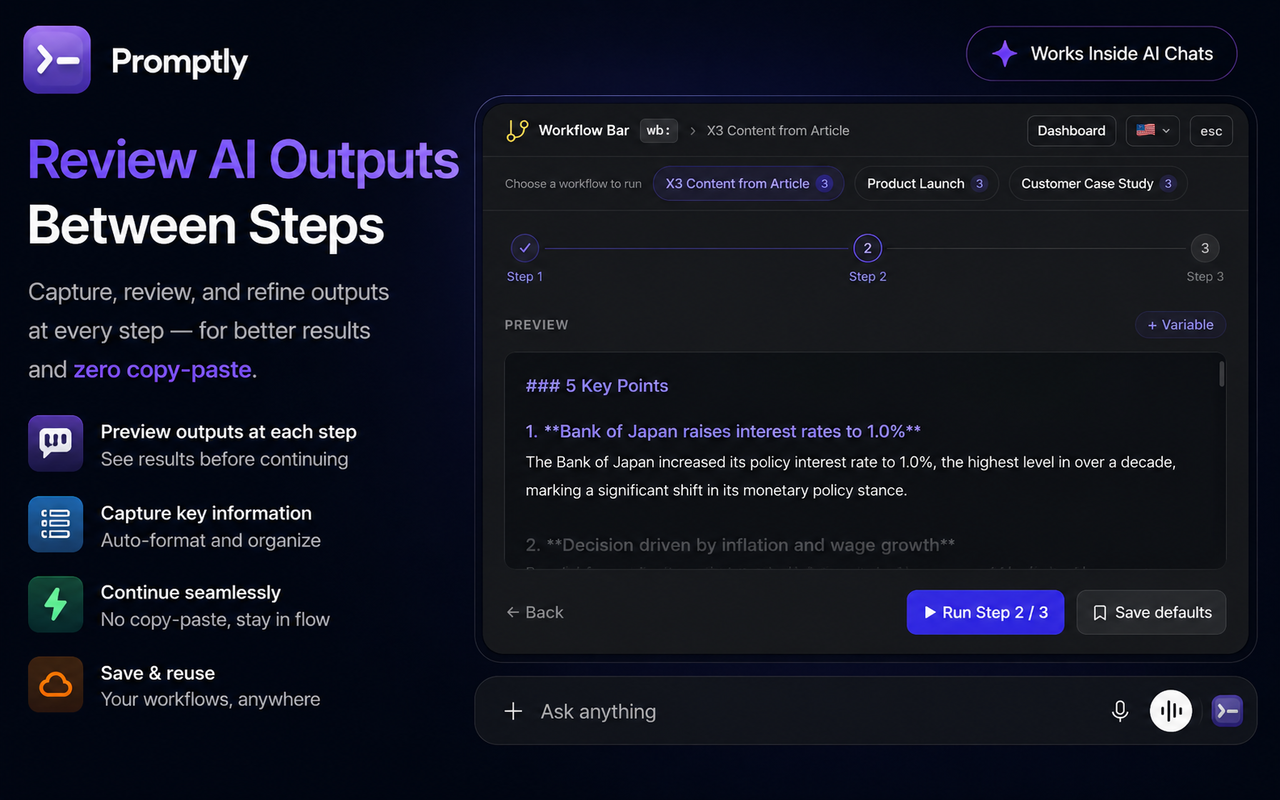
Pick a prompt, fill in the variables right inside Smart Bar, and see a full preview before sending.
4
1-click insert & send
Click "Insert into chat" — the complete prompt is sent automatically. Done!
Works everywhere you use AI.
Promptly works on all major AI platforms.
ChatGPT
Claude
Gemini
Grok
Perplexity
Copilot
DeepSeek
Pricing
Start for free.
No credit card required. Upgrade anytime when you need more.
Free
Enough to feel the difference
$0
forever
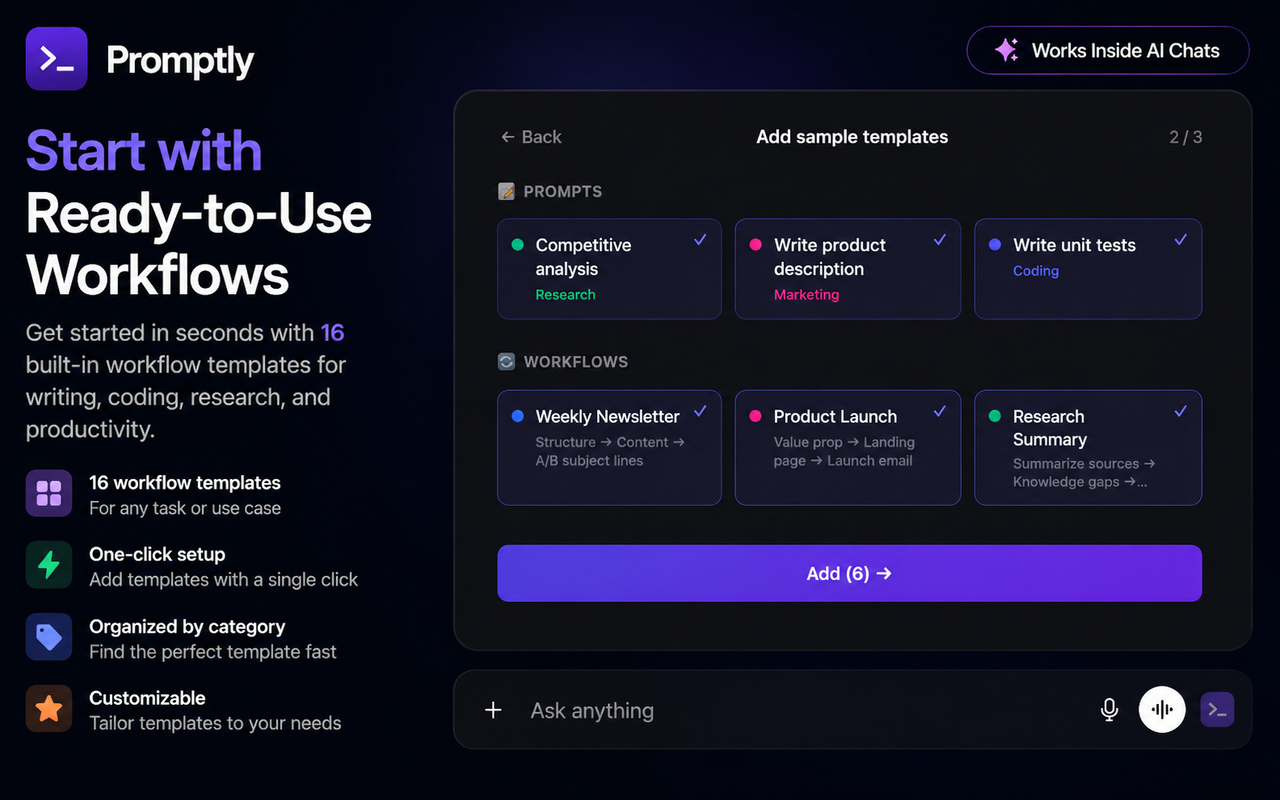
20 prompts · 3 flat folders
Promptly Bar + Popup Launcher
Dynamic variables + live preview
Works on 7 AI platforms
Cloud sync
Unlimited prompts & nested folders
Import / Export · Version history · Bulk ops
Most popular
Pro
For serious AI users
$4.99
/ month · or $39/year
Unlimited prompts + nested folders
Promptly Bar + Popup Launcher
Dynamic variables + live preview
Works on 7 AI platforms
Cross-device cloud sync
Import / Export JSON
Version history — restore any edit
Bulk operations
FAQ
Frequently asked questions.
Does Promptly interfere with the ChatGPT experience?
Not at all. Smart Bar never pops up on its own — it only appears when you type
ply: or click the button. When not in use, Promptly is completely invisible — ChatGPT, Claude, and Gemini look and work 100% normally.Are my prompts stored on a server?
The Free plan stores everything locally in your browser — nothing is sent to any server. The Pro plan adds cloud sync across devices, with data encrypted end-to-end.
Does Promptly work on Firefox?
Currently Promptly supports Chrome and Chromium-based browsers (Edge, Brave, Arc...). Firefox support is planned for v1.2 — follow us to get notified when it launches.
How do dynamic variables work?
You create prompts using the {{variable name}} syntax — e.g. "Translate to {{language}} in a {{tone}} voice." Each time you use it, Smart Bar asks for values and previews the result before inserting into chat.
Do I need an account to use Promptly?
No account needed for the Free plan — install and start using immediately. Signing in with Google is only required for Pro features like cloud sync, which keeps your prompts in sync across devices.